Top 11 Skill Repos
You commented, so here it is. These are the 11 most-starred skill repos for AI coding agents, ranked by GitHub stars. For each one you get what it does, what makes it good, and the exact command to install it.
New to skills? Read Skills 101 first, it takes a minute. Otherwise go straight to the list, or jump to Where To Start if you only have time to try one.
All 11, At A Glance
Click any row for the full breakdown. The bar shows stars relative to No.01.
Skills In 60 Seconds
A skill is a folder with a SKILL.md file in it: a name, a one-line description, and a set of instructions. Some also ship scripts, templates, or reference docs.
Think of it as a playbook your agent picks up when the job calls for it.
At the start of a session your agent only sees each skill's name and description, roughly 100 tokens apiece.
The full instructions load only when your task needs them, so installing a few skills doesn't bloat every conversation.
The same format works in Claude Code, Codex, Cursor, Gemini CLI, GitHub Copilot, OpenCode and a long tail of other agents.
Most repos on this list support several of them. Check each README for your tool.
Three Ways To Install Almost Anything Here
npx skills add owner/repo
/plugin marketplace add owner/repo
/plugin install name@marketplace
cp -r skill-name ~/.claude/skills/
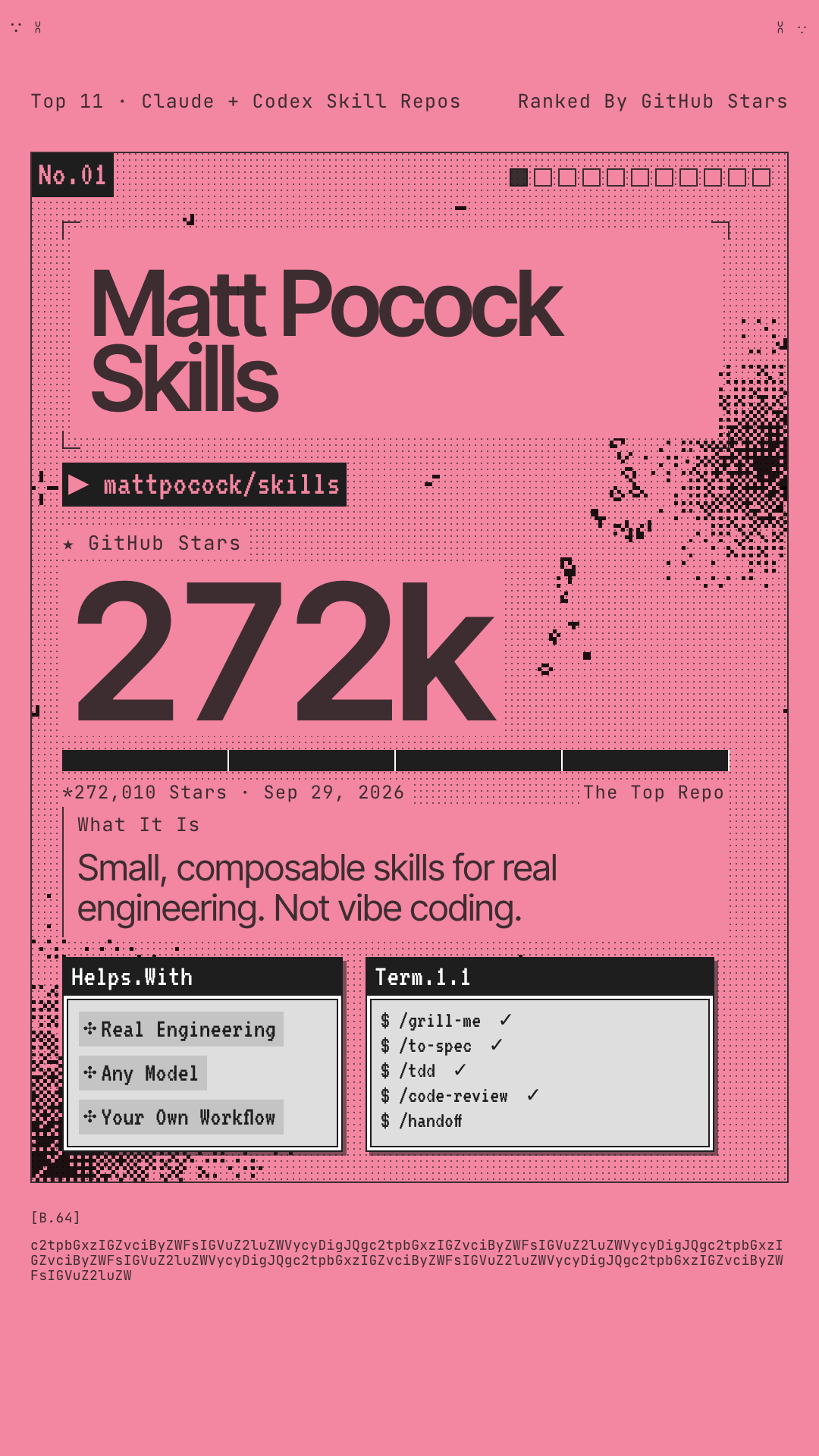
Matt Pocock Skills
Matt Pocock's own skills, pulled straight from the .agents folder he uses every day. Each one targets a specific way coding agents fail: building the wrong thing, rambling, shipping code that doesn't run, and piling up a ball of mud. They're small, they work with any model, and they're built for you to edit.
/grill-memakes the agent interview you before it writes a line. These grilling skills are his most popular./grill-with-docsbuilds a shared project glossary as it goes, so the agent stops using 20 words where 1 will do./tddenforces red-green-refactor, and/diagnosing-bugsruns a phase-by-phase debugging loop./improve-codebase-architecturescans for design problems and hands you a visual HTML report.
# Claude Code
claude plugins install mattpocock-skills
# Codex and other agents
npx skills@latest add mattpocock/skills
Try this first: run /setup-matt-pocock-skills once per repo, then /grill-me before your next feature.
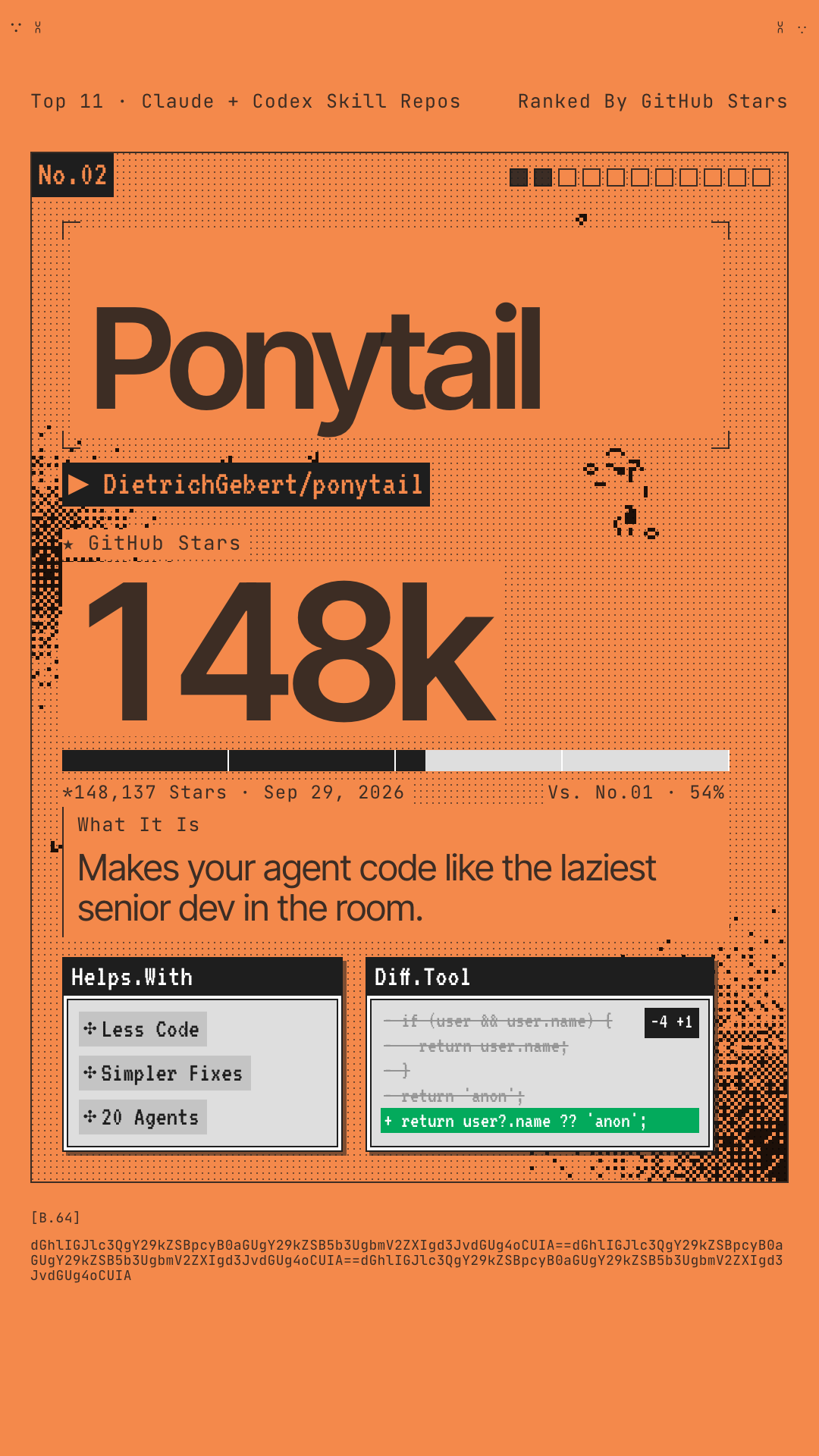
Ponytail
You know the guy. Long ponytail, oval glasses, been at the company longer than version control. You show him fifty lines and he replaces them with one. Ponytail puts him inside your agent: before it writes anything, it has to ask whether the code needs to exist at all.
- A 7-step ladder: skip it, reuse what's in the codebase, use the stdlib, use a native platform feature, use an installed dependency, write one line. Only then, the minimum that works.
- On a real FastAPI + React repo, the README reports 54% less code, 22% fewer tokens and 20% lower cost than no skill.
- Ask for a date picker and you get
<input type="date">instead of a new library and a wrapper component. - Lazy, not negligent: validation, security, error handling and accessibility never get cut.
# Claude Code: send these as two separate prompts
/plugin marketplace add DietrichGebert/ponytail
/plugin install ponytail@ponytail
# Codex
codex plugin marketplace add DietrichGebert/ponytail
codex plugin add ponytail@ponytail
Heads up: the plugin runs two tiny Node.js hooks, so node needs to be on your PATH. Also ships for Copilot CLI, Gemini CLI, OpenCode and more.
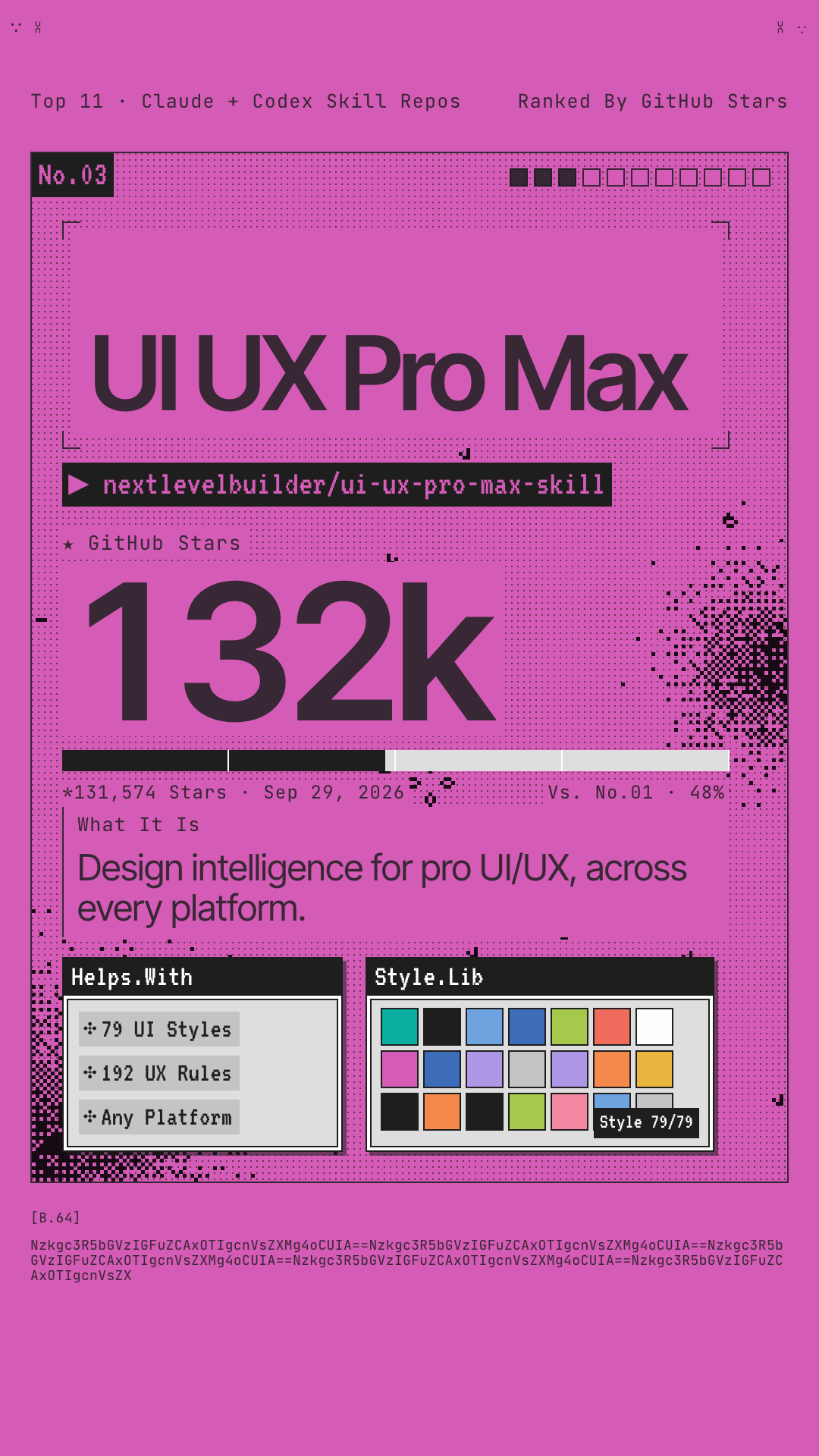
UI UX Pro Max
A searchable design database your agent consults before it builds UI. Say "build a landing page for my beauty spa" and it generates a full design system first: page pattern, visual style, color palette, font pairing, effects, the anti-patterns to avoid for that industry, and a pre-launch checklist.
- 79 searchable UI styles, from glassmorphism and brutalism to bento grids and AI-native UI.
- 192 industry-specific rules, each with a matching palette. Banking gets told to skip the purple AI gradients.
- 74 font pairings with Google Fonts imports, plus 25 chart types for dashboards.
- Covers 22 stacks: React, Next.js, Vue, Svelte, SwiftUI, Flutter, Tailwind, shadcn/ui and more.
# Claude Code
/plugin marketplace add nextlevelbuilder/ui-ux-pro-max-skill
/plugin install ui-ux-pro-max@ui-ux-pro-max-skill
# Any agent, via the CLI
npm install -g ui-ux-pro-max-cli
uipro init --ai claude   # or cursor, codex, windsurf…
Try this first: just ask for UI in plain English, like "Build a landing page for my SaaS product." The skill kicks in on its own.
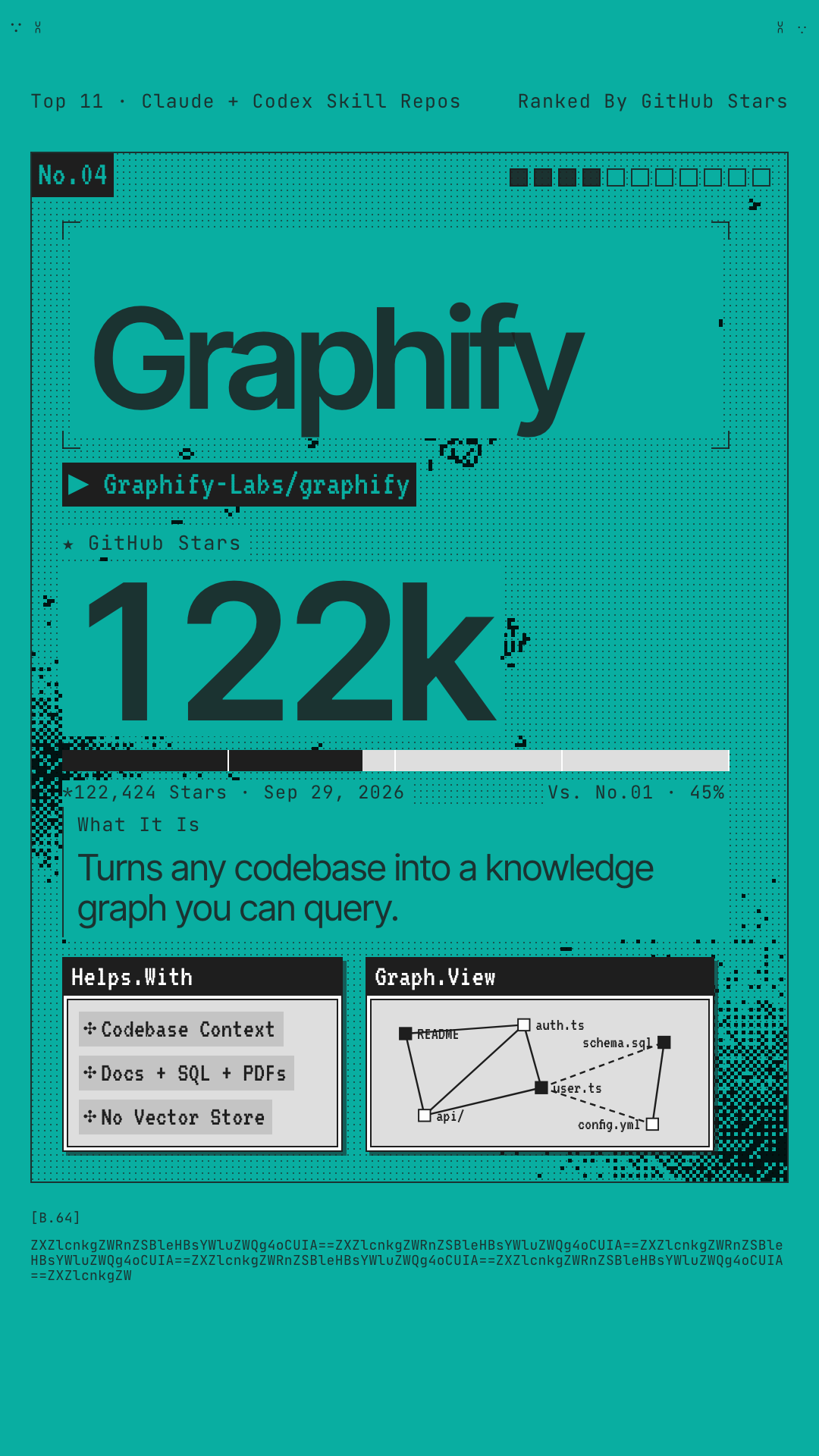
Graphify
Type /graphify and it maps your whole project into a knowledge graph: code, docs, SQL schemas, configs, even PDFs. From then on your agent queries the graph instead of grepping through files, and you get a clickable map of how everything connects.
- Code is parsed locally with tree-sitter across about 40 languages. No LLM involved, and nothing leaves your machine.
- Every connection is tagged EXTRACTED or INFERRED, so you know what was read directly and what was worked out.
- No embeddings or vector store. It's a real graph you can query, trace a path through, or ask to explain one concept.
- You get three files: a clickable
graph.html, aGRAPH_REPORT.mdof highlights, and the fullgraph.json.
# note the double y in graphifyy
uv tool install graphifyy
graphify install
Try this first: open your agent in any repo and type /graphify . then open graphify-out/graph.html in your browser.
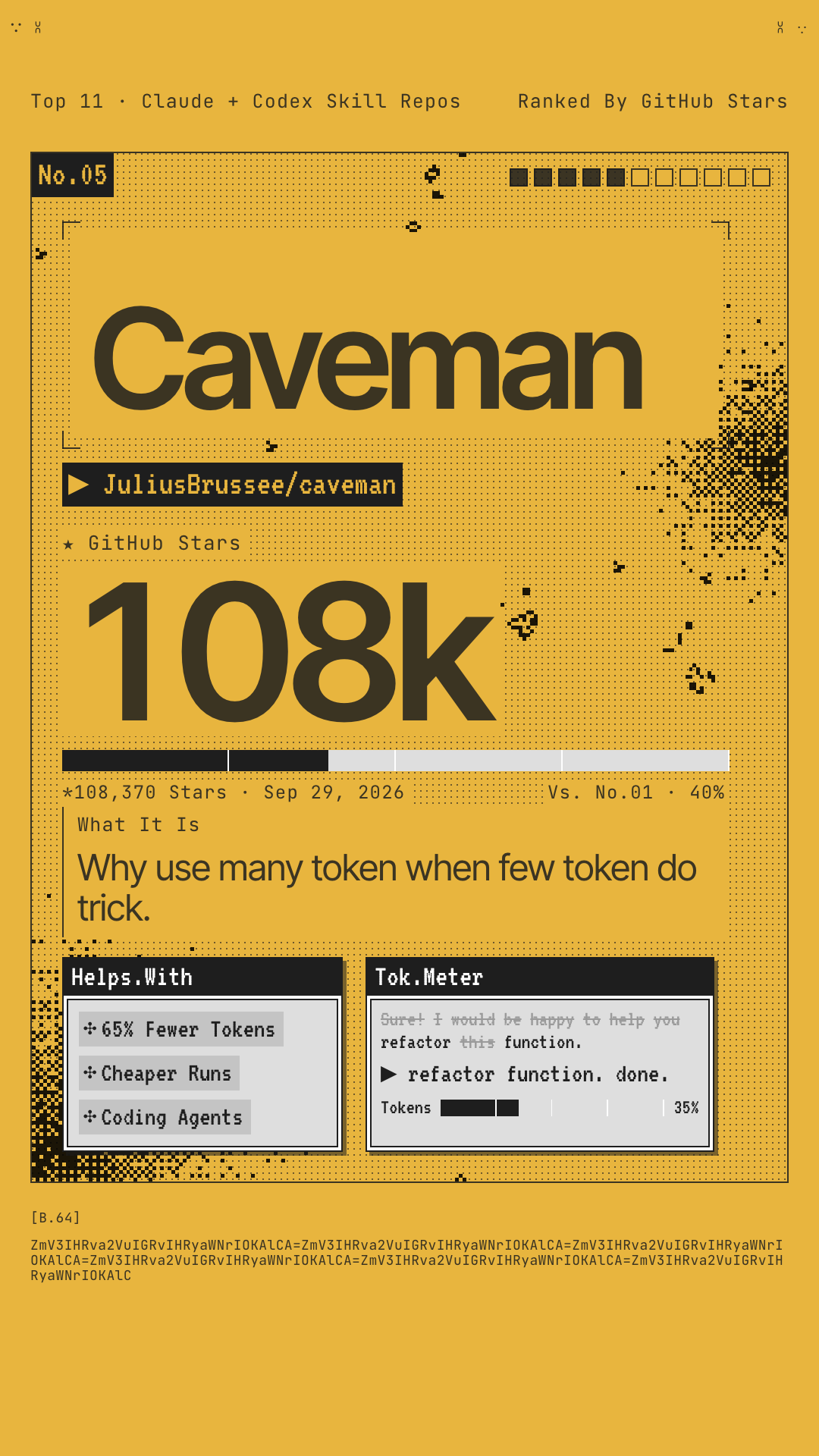
Caveman
Why use many token when few token do trick. Caveman makes your agent answer like it just discovered fire: same diagnosis, same fix, none of the throat-clearing. Code, commands, file paths and error messages never get cavemanned, only the prose around them. It started as a Friday joke in April 2026.
- The repo claims about 65% fewer tokens. You pay for every word your agent writes, so shorter answers cost less.
- Turn it up or down:
/caveman litefor tight but polite,/caveman ultrafor grunts. - Extras:
/caveman-commit,/caveman-review, and/caveman-compress CLAUDE.mdto slim your memory files. - An optional local proxy also shrinks what the agent reads: logs, test output, JSON and diffs.
# The skill: one command, works in 30+ agents
npx skills add JuliusBrussee/caveman -g
Try this first: ask any coding question and watch the preamble disappear. Say stop caveman to get normal prose back.
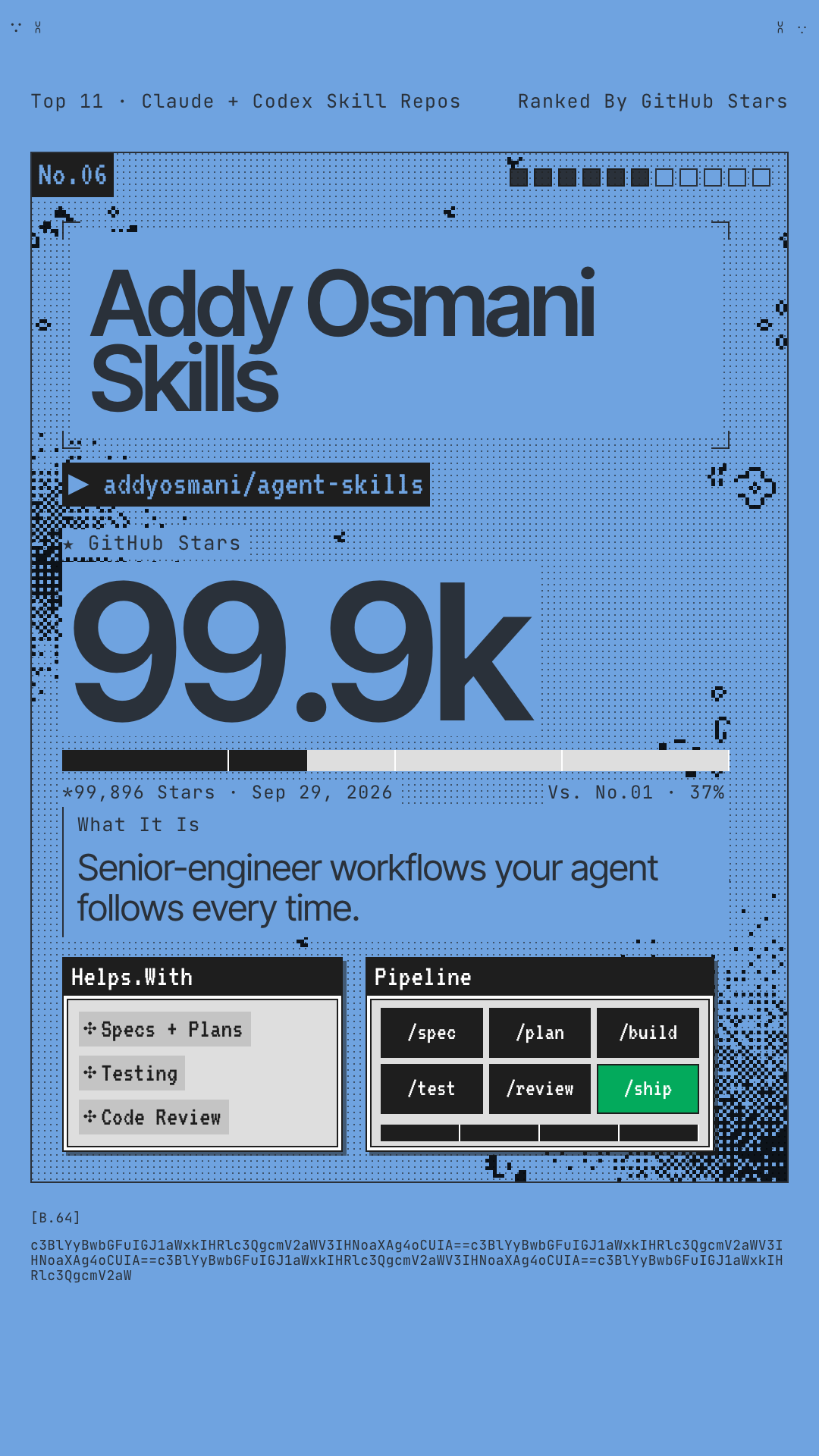
Addy Osmani Skills
The workflows and quality gates a senior engineer uses, packaged so your agent follows them every time. It covers the whole lifecycle in six stages: define, plan, build, verify, review, ship. Each stage has its own slash command.
- 9 commands:
/spec,/plan,/build,/test,/review,/ship, plus/constraints,/webperfand/code-simplify. - 25 skills that also switch on by themselves. Design an API and the API design skill loads. Build UI and the frontend skill loads.
/build auto: approve the plan once, and it implements every task in a single pass.- Installs into 70+ agents through the open skills CLI.
# Any agent: all 25 skills
npx skills add addyosmani/agent-skills
# Claude Code plugin
/plugin marketplace add addyosmani/agent-skills
/plugin install agent-skills@addy-agent-skills
Try this first: run /spec on the next feature you're about to build, then /plan.
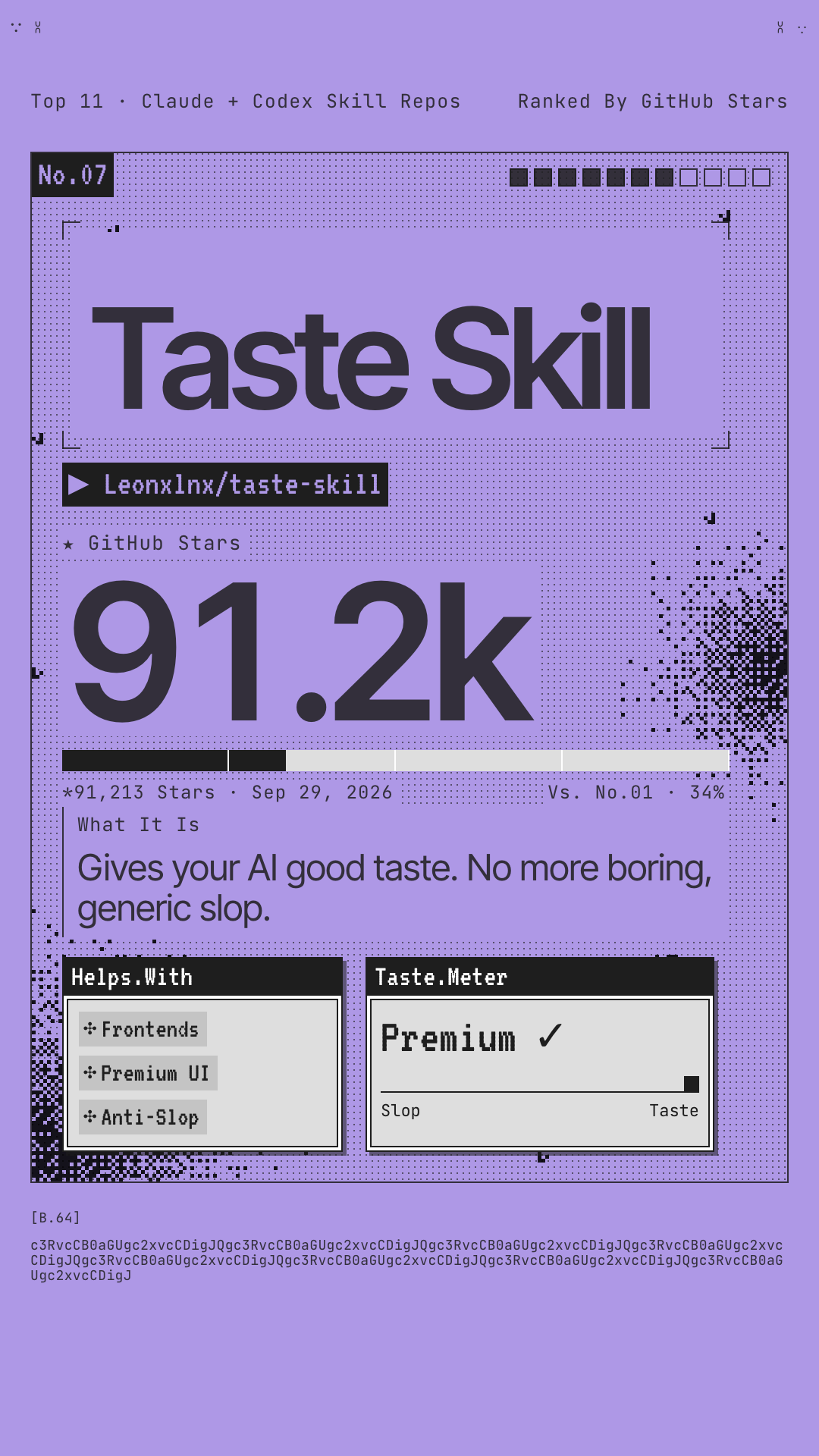
Taste Skill
The anti-slop frontend framework. If your AI keeps shipping the same boilerplate landing page, this fixes the layout, typography, motion and spacing so it stops looking AI-made. It comes as a set of skills that each do one job, so you only install what you need.
- Three 1–10 dials at the top of the file: design variance, motion intensity and visual density.
- Style add-ons when you know the look you want: soft and premium, minimalist (Notion/Linear), or brutalist.
- A redesign skill that audits an existing UI before touching it, and an output skill that stops half-finished placeholder code.
- Image-generation skills for website comps, mobile screens and brand kits you can hand to your coding agent.
# Everything
npx skills add https://github.com/Leonxlnx/taste-skill
# Just the default skill
npx skills add https://github.com/Leonxlnx/taste-skill --skill "design-taste-frontend"
Try this first: install the default skill, then ask your agent to rebuild a page it made last week. Compare the two.
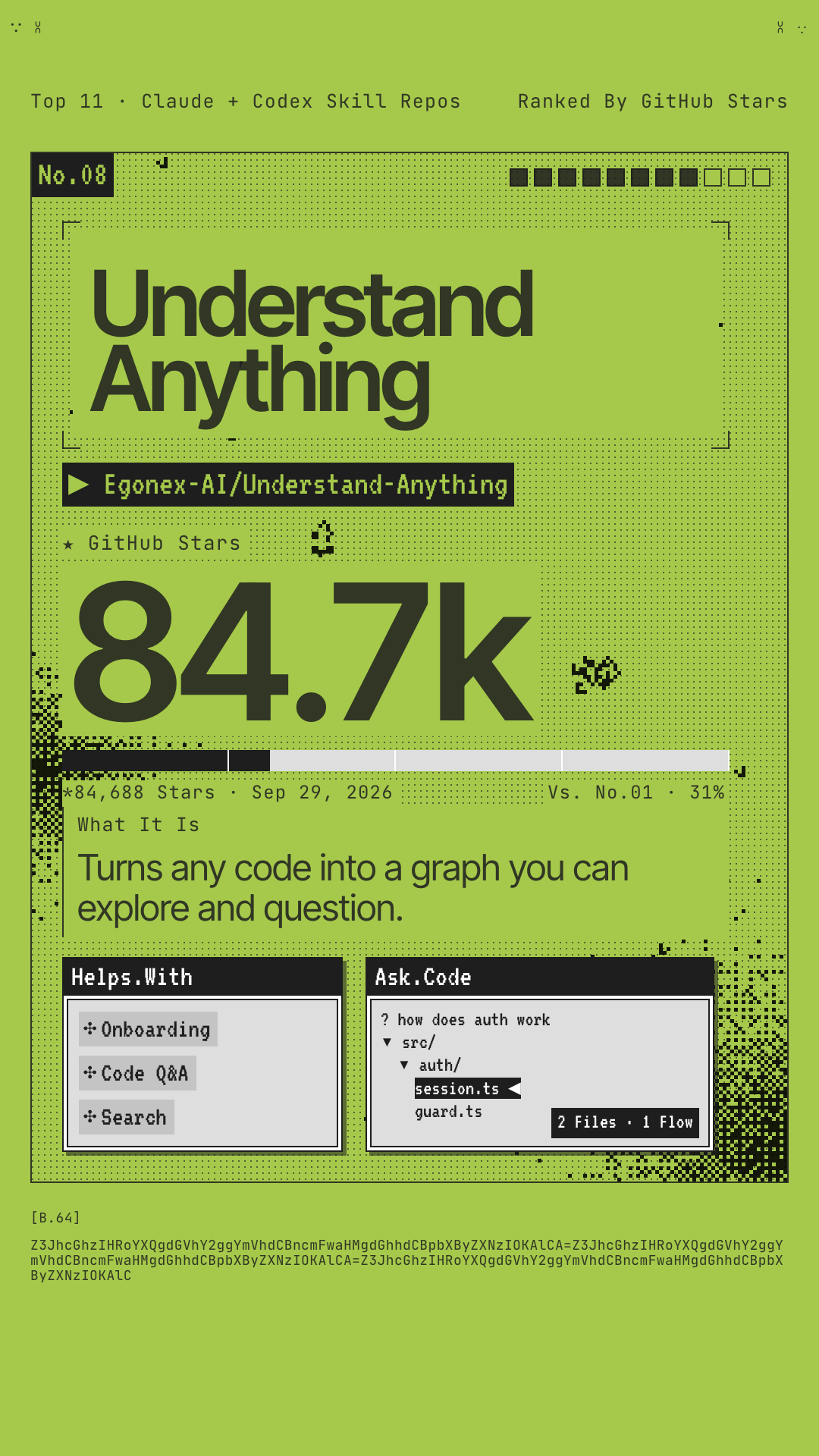
Understand Anything
You just joined a new team and the codebase is 200,000 lines. Where do you start? A team of agents reads the whole project and builds an interactive graph of every file, function and class, with plain-English summaries, guided tours, and a chat you can ask questions. Their motto: graphs that teach beat graphs that impress.
/understand-dashboardopens a clickable graph, color-coded by architectural layer./understand-chatanswers questions like "How does the payment flow work?"/understand-diffshows the impact of your current changes./understand-onboardwrites an onboarding guide for new teammates.- A domain view maps code to real business processes, and re-runs only re-analyze files that changed.
# Claude Code
/plugin marketplace add Egonex-AI/Understand-Anything
/plugin install understand-anything
Try this first: /understand then /understand-dashboard. The first run on a big repo uses a lot of tokens, so do it on a subscription plan.
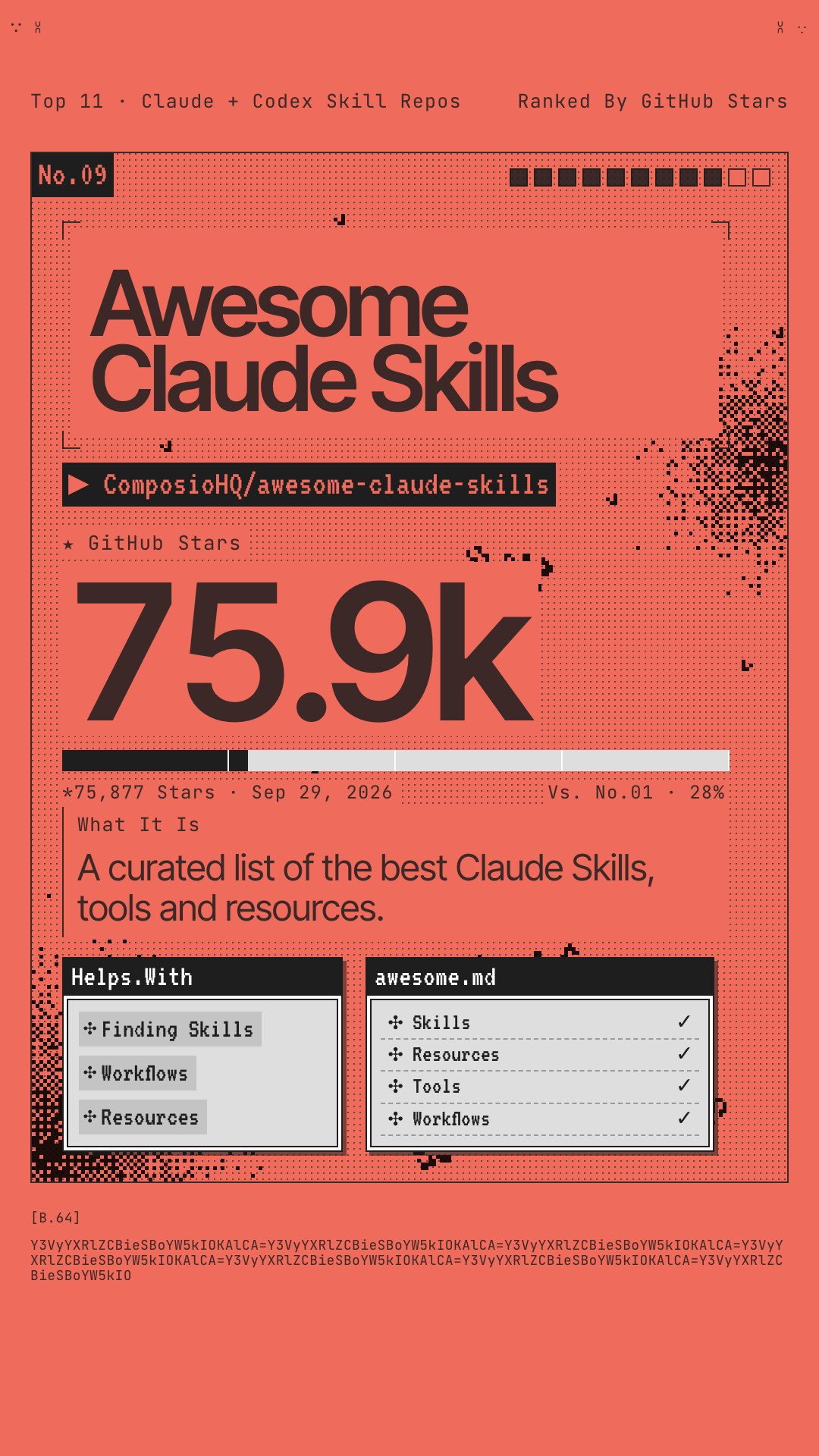
Awesome Claude Skills
The directory. A hand-curated list of Claude skills, plugins and resources, sorted by what you're trying to get done. When nothing else on this page fits your job, this is where to look next.
- 10 categories: documents, dev tools, data, business and marketing, writing, creative, productivity, collaboration, security and app automation.
- Anthropic's official skills (Word, PDF, PowerPoint, Excel) listed right next to the best community picks.
- A plain-English primer on how skills differ from MCP servers and tools.
- Includes a connect-apps plugin that links Claude to 1,000+ apps like Gmail, Slack, GitHub and Notion through Composio.
# Nothing to install. Browse, then copy
# the skill folder you want:
cp -r skill-name ~/.claude/skills/
Try this first: open the list and search for your job title or the tool you use most.
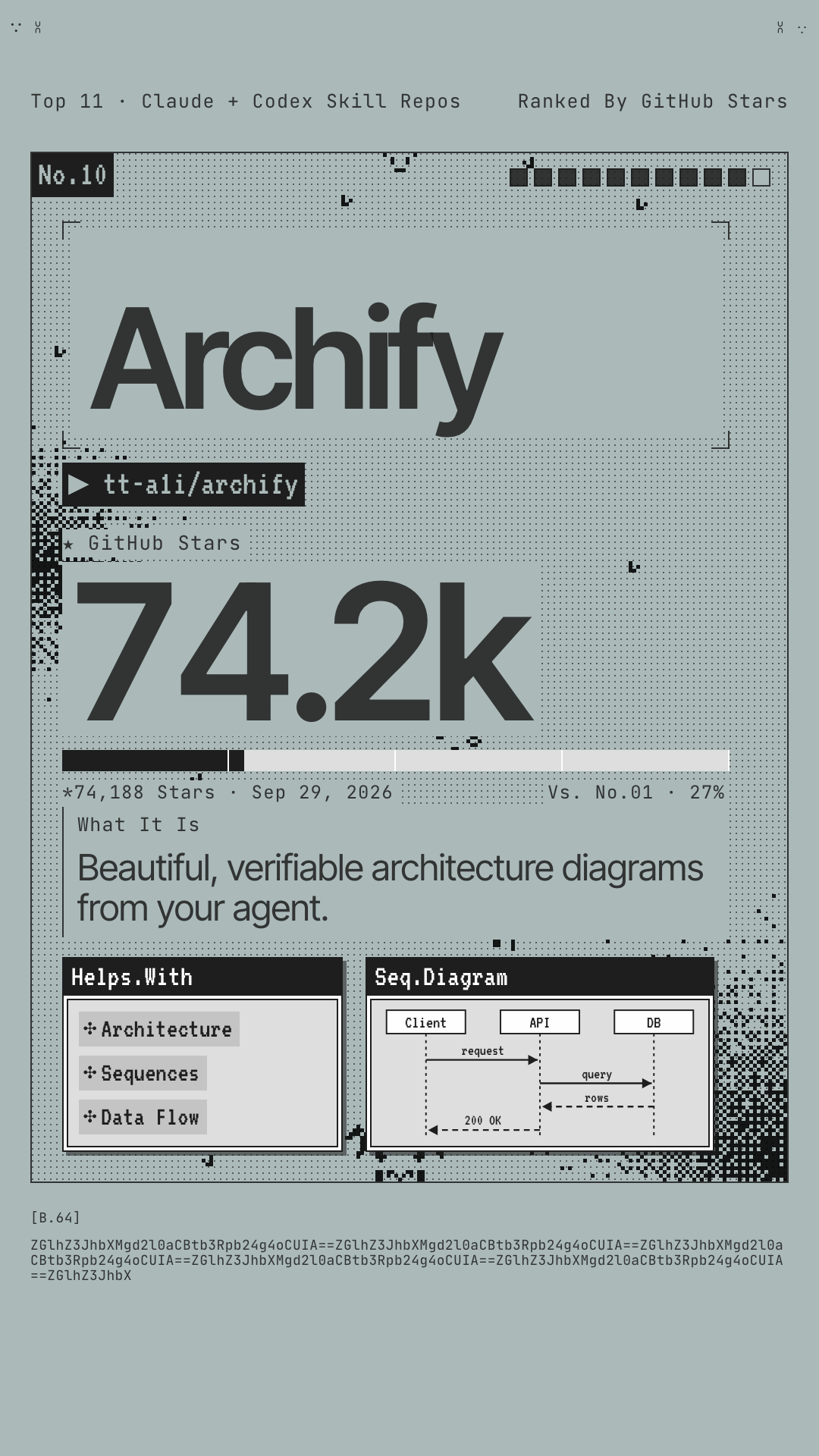
Archify
Describe a system in one sentence, or point it at a repo, and your agent draws a clean, interactive architecture diagram. The result is a single HTML file with motion, light and dark themes, and sharp exports. You don't need a repository to start.
- Architecture, workflow, sequence, data-flow and lifecycle diagrams.
- Point it at a repo and every box links back to the source it came from.
- Trace a route through the diagram, then export it as a PNG share card.
- The output is standalone HTML. Send it to anyone and they can open it, no install needed.
npx skills add tt-a1i/archify -g
Try this first: "Use Archify to diagram a web request: Browser calls the API, the API checks Redis, and a cache miss queries PostgreSQL and fills the cache."
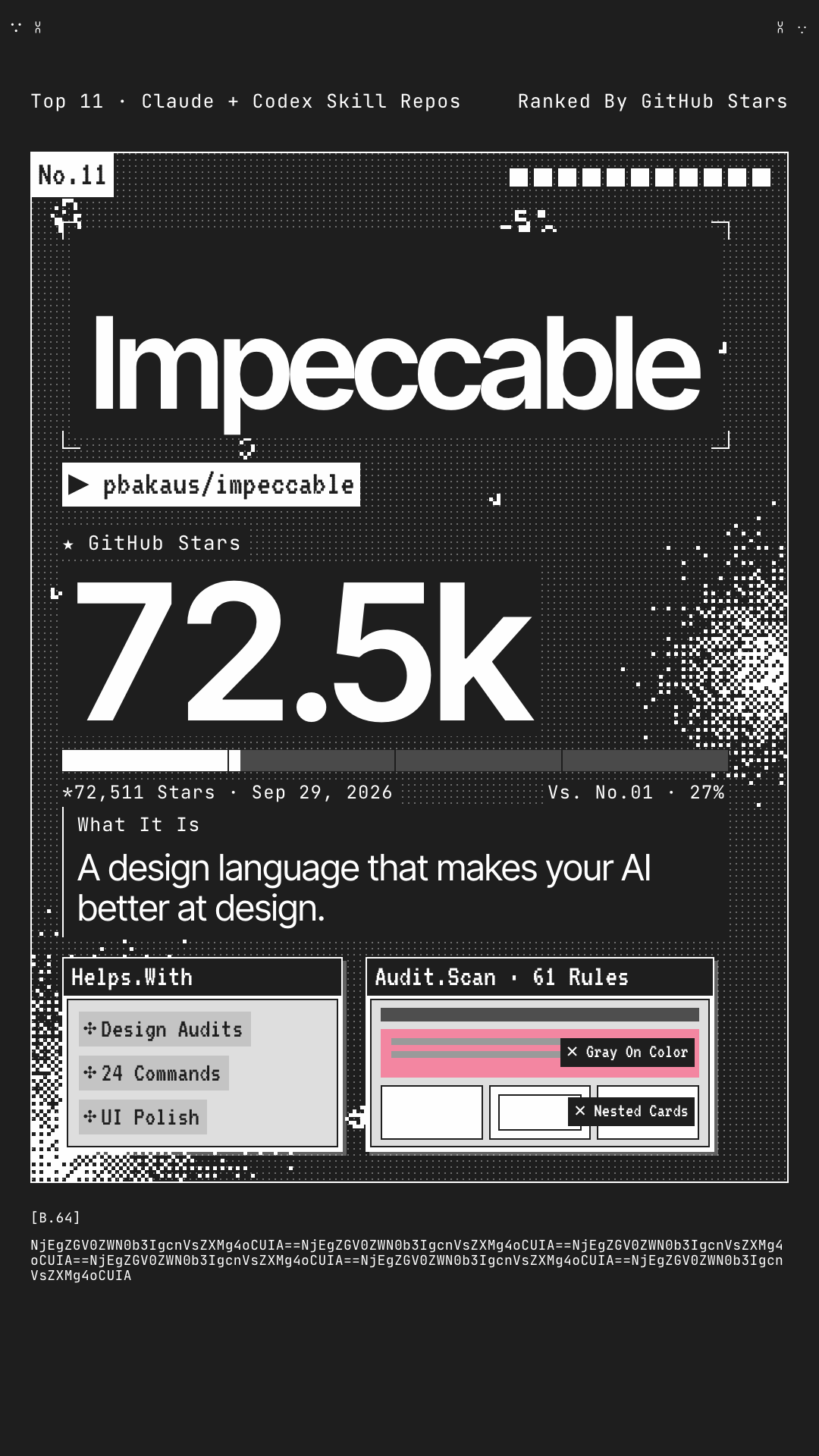
Impeccable
A shared design vocabulary between you and your agent. It started from Anthropic's frontend-design skill and adds commands for exactly what you want changed, plus a checker that catches the tells of AI-made UI: Inter everywhere, purple gradients, cards nested in cards, gray text on color.
- 24 commands like
polish,audit,critique,distill,bolder,quieter,typesetandharden. - 61 detector rules that run without an LLM or API key.
/impeccable initwrites aPRODUCT.mdso every later command knows your audience and voice./impeccable livelets you iterate on elements right in the browser.
# From your project root
npx impeccable install
# Then, inside your agent
/impeccable init
Try this first: /impeccable audit on your homepage and see how many AI tells it flags.
Only Have Time For One?
Don't install all eleven. Pick the problem you have right now and start there.
Your agent builds the wrong thing, or the right thing badly.
Start with Matt Pocock's grilling skills so the agent understands the job, then add Addy Osmani's lifecycle commands for the quality gates.
Everything you build looks like every other AI site.
Taste Skill fixes the default look. Impeccable gives you words for what to change. UI UX Pro Max picks the palette and fonts before you start.
You just inherited a codebase and have no idea how it works.
Graphify maps it fast and locally. Understand Anything walks you through it. Archify draws the diagram you'll show your team.
Your agent talks too much and writes too much.
Caveman cuts the words and Ponytail cuts the code. They tackle different halves of the same bill.
None of these fit your job.
The awesome list sorts skills by use case: documents, marketing, data, writing, security and more.
Four Rules Worth 30 Seconds
Read the SKILL.md first.
A skill is instructions your agent follows with your permissions. The file is plain Markdown, so skim it before you install. It takes two minutes.
Look before you trust hooks.
Some of these, like Ponytail, Caveman's full installer and Impeccable, run small scripts or hooks. When your agent asks you to approve them, open them and read what they do.
Pick one install path per repo.
Plugin or npx skills, not both. Installing a repo twice gives you every skill twice.
Start with one or two.
Skills that give overlapping advice can fight each other, especially design skills. Add one, use it for a week, then add the next.